Private coaching · Dubai
Train with
Warren.
Your workouts, meals and check-ins with Warren Germishuizen.
The app
Your training, live.
Your training plan, food log and coach conversation in one place. Record the work and review the progress together.
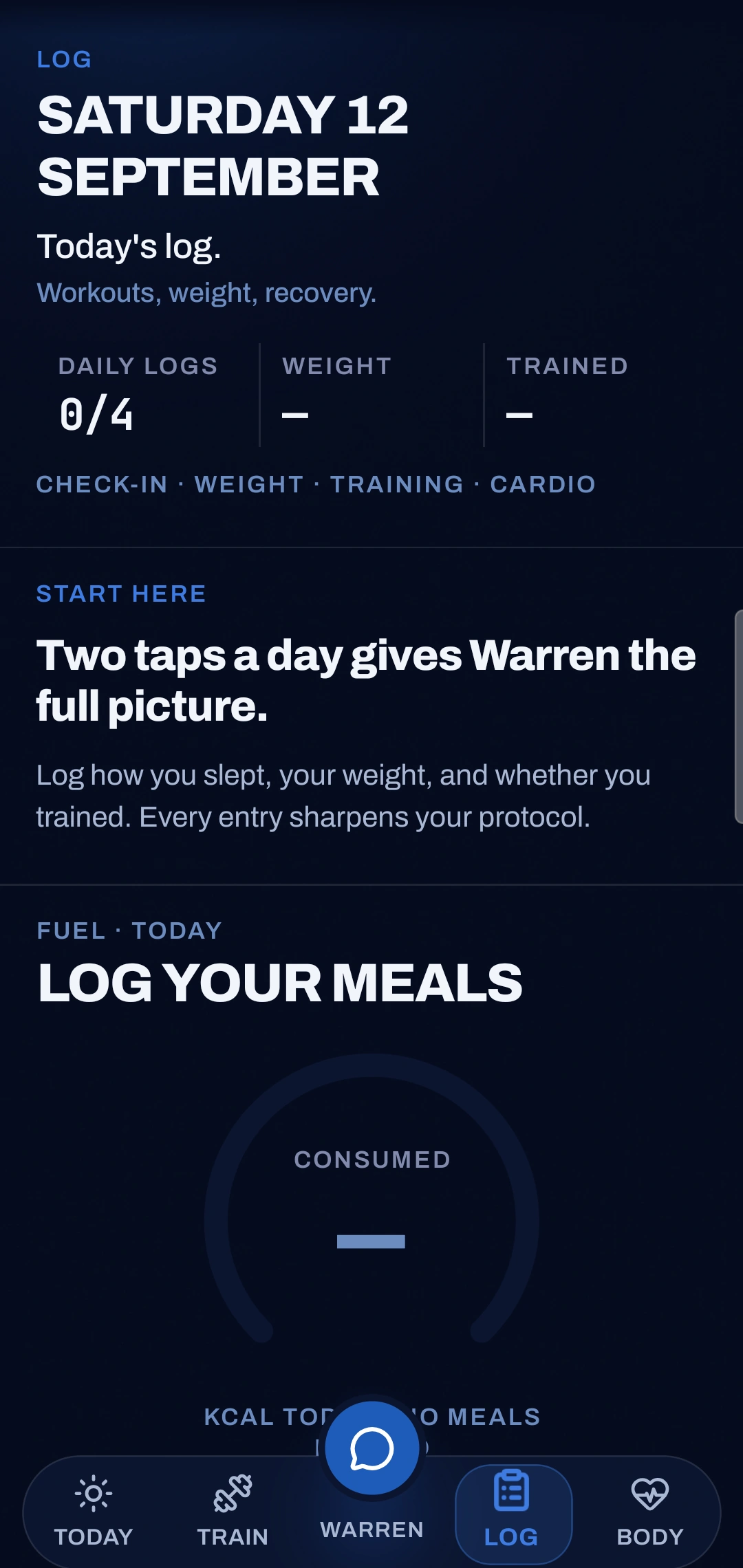
Daily log · demo preview
Build the record.
Check-ins, weight, training and food entries, ready to review with your coach.
Training plan
From the plan to the set.
Your workout history stays with your programme.
Daily check-in
How you arrive matters.
Record how you feel alongside the work you do.
Clients
Private
By invitation, with your own plan, progress record and coach conversation.
Your programme
Coach-led
View the training block your coach has assigned and record your sessions against it.
Progress photos
Compare
Keep photographs on your timeline. Compare dates and read your coach’s review notes.
Exercise library
318
Movement references and cues alongside your assigned training.
Recipes
113with macros
Browse recipes with macros and log food against your assigned nutrition targets.
Getting started
7questions
Complete your PAR-Q+ activity-readiness questionnaire during onboarding.
Nutrition
Your targets
Food and macro logs sit alongside training, weight and check-ins.
Warren’s side
One desk. Every client.
The coaching workspace brings the roster, training plans, check-ins, progress photos and conversations together. On a phone, and on a laptop at the web portal.
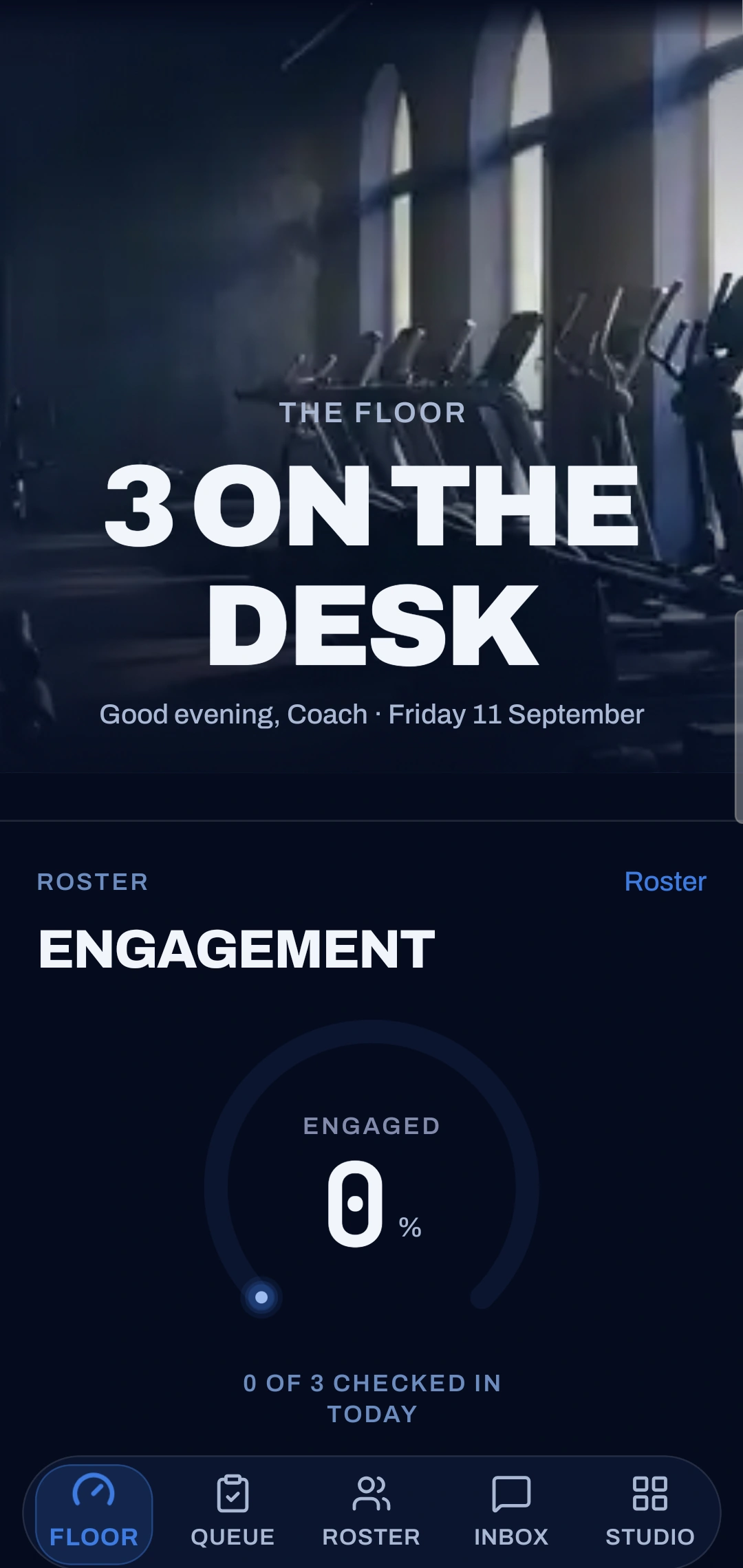
The floor · demo preview
The roster, in view.
A starting point for recorded check-ins and client activity.
Training
Build
Assign training blocks and review recorded sessions in the client workspace.
Photo review
Compare
Open the client timeline, compare photographs and save review notes.
Roster segments
Focus
See check-ins due and recent recorded activity grouped across the roster.
Messages
Direct
Keep questions, training feedback and coach replies in the client conversation.
01
Warren prepares your invitation.
Your name and email start the invitation from his phone or the web portal.
02
You choose your password.
Warren shares your private setup link and app link directly with you.
03
Open the app and begin.
The Android app, or the full app in Safari on iPhone — one login for both.
Android · iPhone
Warren’s World on your phone.
Android: a private build from Warren, not on the Play Store. Android will ask you to allow installs from your browser; that is expected for a private build.
iPhone: the same app runs in Safari. Open it, then Share → Add to Home Screen, and it opens full-screen like any app. Use your email and the password you chose.
On the web
The same login, on a laptop.
Open your training and progress workspace in a browser. Warren’s coach console signs in here.